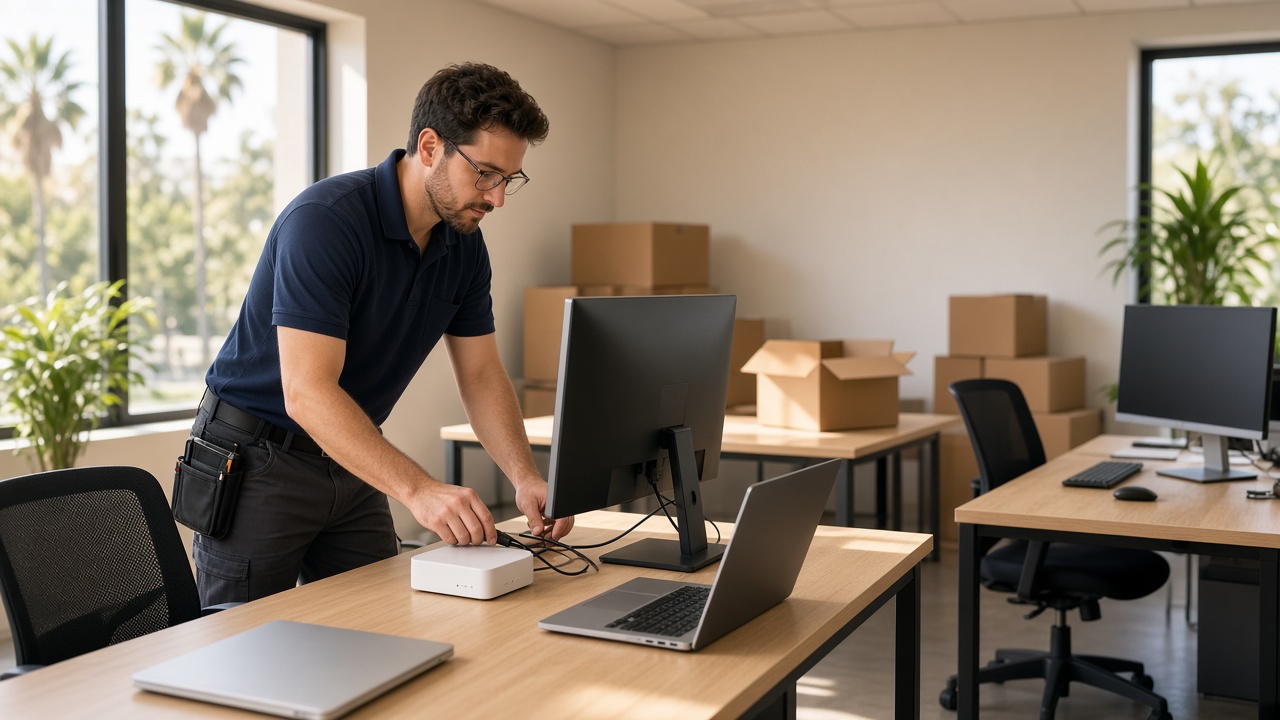
Opening a new office, moving to a bigger space or adding a second location is exciting. It’s also the moment when technology problems tend to pile up: the internet isn’t installed on move-in day, the printer won’t talk to anyone, and nobody remembers how the old network was set up. Office IT setup in Temecula and the surrounding cities doesn’t have to be stressful. A. Computer Doctor is a local Murrieta IT team, and we help businesses in Temecula, Menifee, Lake Elsinore, Wildomar and French Valley plan and set up their technology so the team can start working on day one.
Most technology headaches during a move come from waiting too long. Internet providers can take a week or more to schedule an installation. Cabling is far easier to run before desks and furniture arrive. And if your computers, phones and printers all show up at once with no plan, someone ends up spending the first week troubleshooting instead of serving customers.
That’s why our IT consulting starts with a simple conversation: how many people will work in the space, what they need to do every day, and what equipment you already own. From there, we build a practical plan that fits your budget.
Here’s what we walk through with Temecula, Menifee and Lake Elsinore businesses before and during a move or new office opening.
Order business internet as early as possible and confirm the installation date in writing. For offices that can’t afford downtime, such as medical practices or businesses that take card payments, we often recommend a secondary connection so the office stays online if the main line goes down.
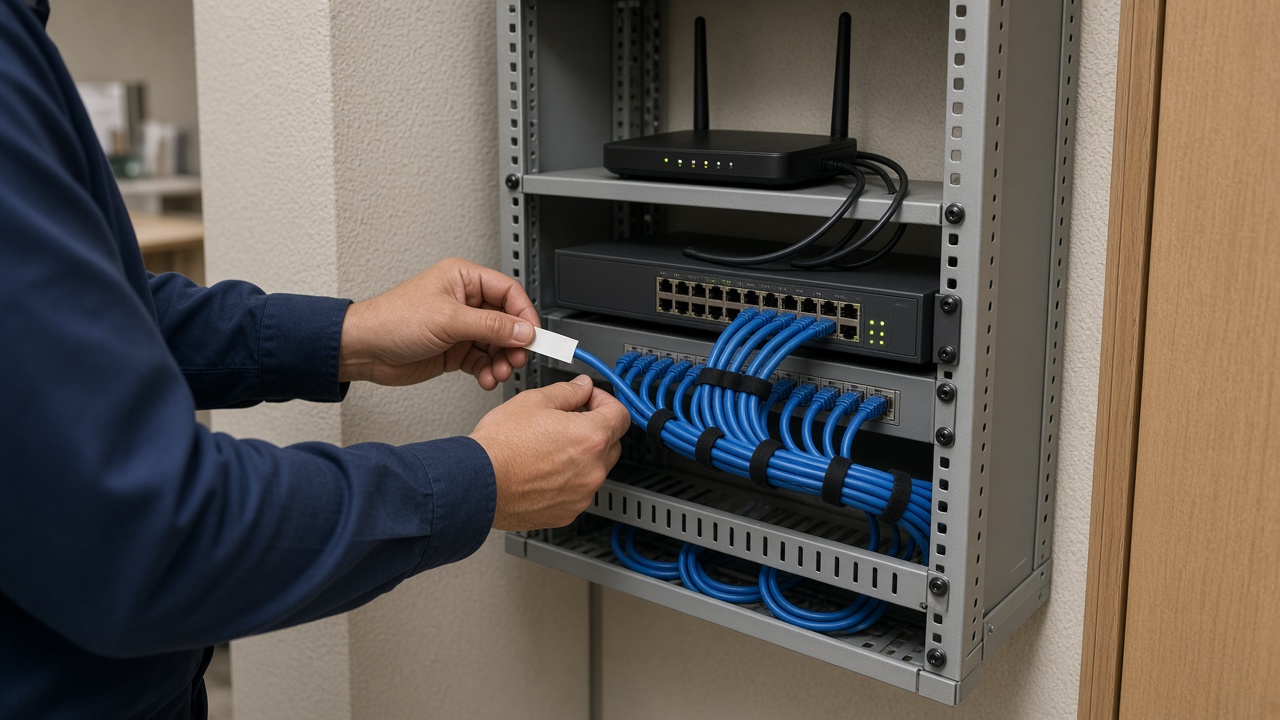
Wired connections are still the most reliable choice for desktops, printers and phones. We help plan where network jacks should go, choose the right router, switch and Wi-Fi access points for the size of your space, and set up separate guest Wi-Fi so visitors never share a network with your business computers.
New computers need updates, security software, the right business applications and user accounts before they’re truly ready. Older machines coming along from the previous office should be checked too. Our computer and laptop repair team can tune up, upgrade or retire older equipment so you’re not moving problems into your new space.
Printers and scanners are the most common day-one complaint. We install them on the network, connect every computer and test scan-to-email or scan-to-folder so they work the first time someone needs them. We also make sure shared files and folders are organized, permissions are set correctly and everyone can reach what they need.
A move is the perfect time to fix weak spots. We set up automatic backups, firewall protection, strong Wi-Fi passwords and multi-factor authentication on email and other key accounts. If you’d like ongoing help after the move, our managed IT services keep everything updated, monitored and backed up.
Healthcare practices have extra responsibilities under HIPAA. When a medical or dental office relocates, patient data needs to stay protected the whole time, old drives must be handled properly, and new workstations, exam-room computers and Wi-Fi need to be set up securely. Learn more about our medical office IT support and HIPAA compliance services.
Once everything is working, we document it: which equipment you have, how the network is laid out, where the admin logins are stored and who to call for internet service. That record saves time and money every time something changes, a new employee starts or a device needs repair.
Homeowners and businesses around Murrieta and Temecula have given A. Computer Doctor a 5.0-star rating on Yelp. Rather than take our word for it, read our Yelp reviews to see what local customers say about working with us in their own words.
Ideally four to six weeks before move-in. That leaves time to order internet service, run cabling and prepare computers. If you’re on a tighter timeline, call us anyway and we’ll prioritize what matters most for opening day.
Yes. Some businesses want a full setup, and others just need help with one piece. We’re happy to handle whatever part of the project you need.
We work on-site and remotely with businesses in Murrieta, Temecula, Menifee, Lake Elsinore, Wildomar, French Valley and nearby communities.
Whether you’re opening your first office in Temecula, moving to a larger space in Menifee or adding a location in Lake Elsinore, A. Computer Doctor can plan and set up your technology so your team is ready to work from day one. Call us at 951-595-7758 to talk with a local technician about your project.
