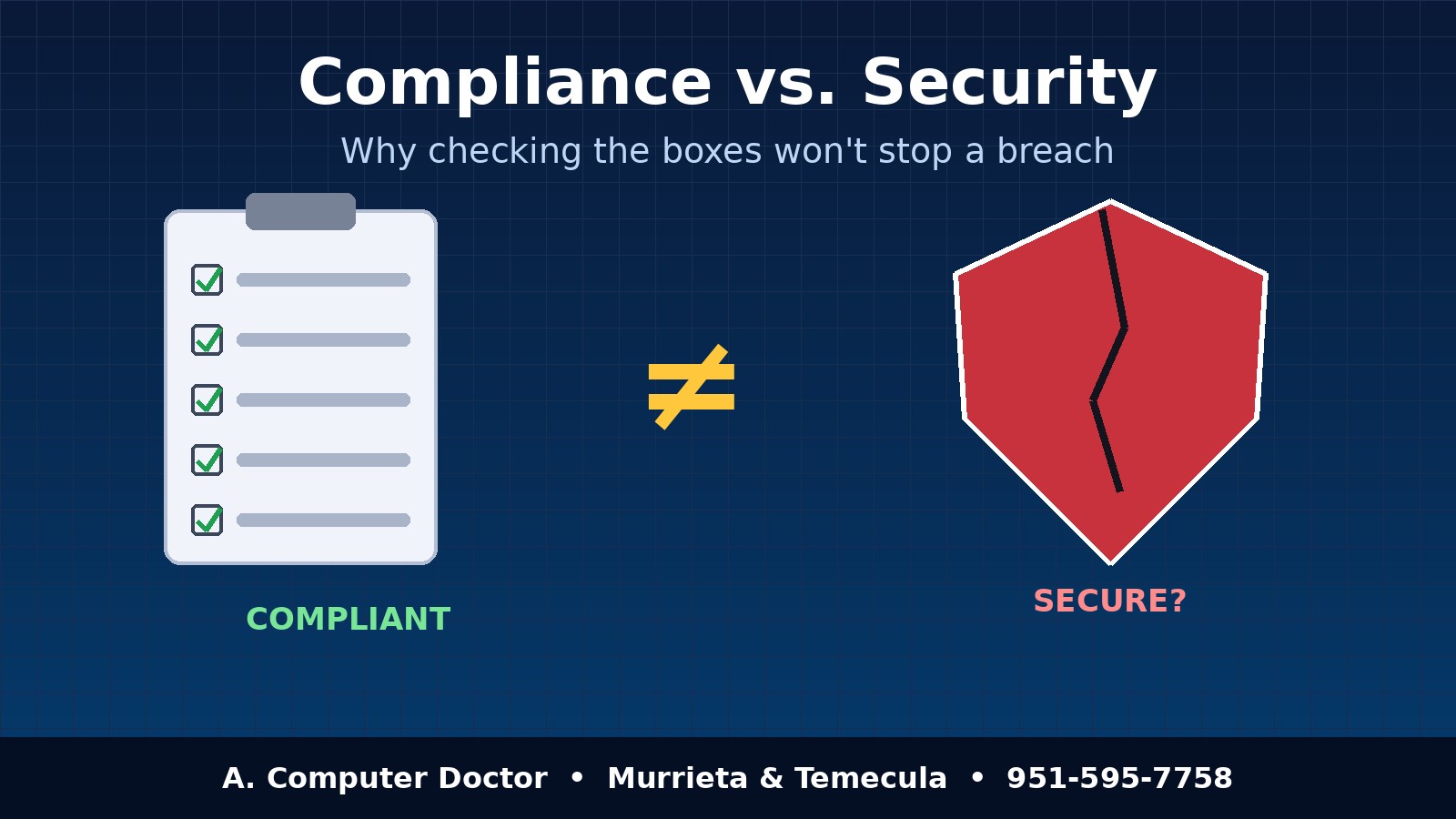
“We passed the audit, so we’re covered.” I hear some version of that from business owners in Murrieta and Temecula all the time. It’s an understandable feeling. You filled out the insurance questionnaire, your payment processor’s PCI scan came back green, maybe your accountant or a HIPAA consultant handed you a binder of policies. But compliance vs security is one of the most expensive misunderstandings in small business IT today. Compliance proves you met a list of requirements on a certain day. Security is whether an attacker can actually get in, and what happens when they try.
This post breaks down the difference in plain language, shows where the gaps usually hide, and gives you a practical checklist for closing them, whether you run a ten-person office in Temecula or just want your family’s home network in Murrieta to be safer.
Think of compliance like a home inspection. The inspector confirms you have smoke detectors, a working breaker panel, and railings on the stairs. That’s valuable. But the inspection doesn’t tell you whether the back door gets left unlocked every night, or whether anyone in the house knows how to use the fire extinguisher.
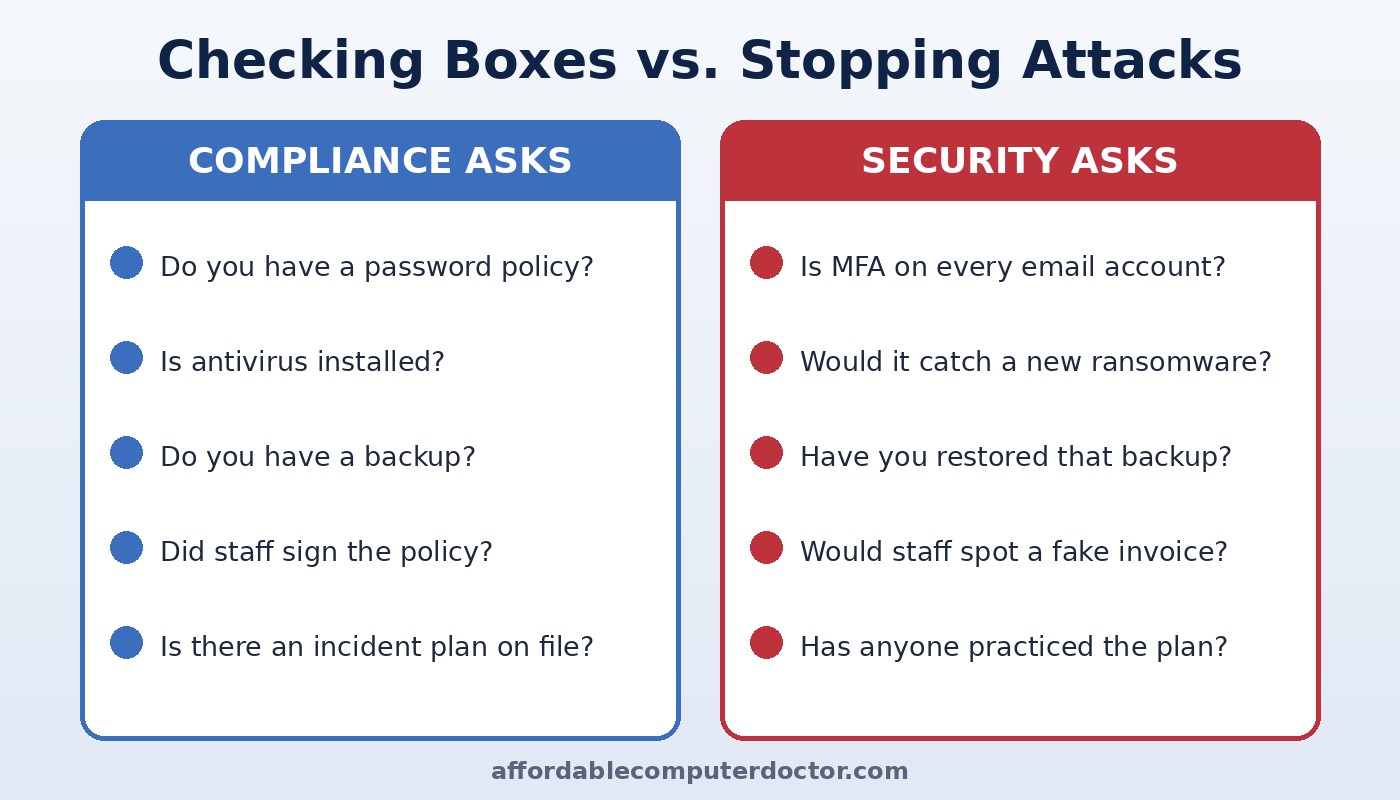
Compliance frameworks such as HIPAA, PCI DSS, cyber insurance applications, and vendor security questionnaires work the same way. They ask whether a control exists: Do you have a password policy? Is antivirus installed? Do you back up your data? Security asks whether that control works against the threats hitting businesses right now: Is multi-factor authentication turned on for every mailbox? Would your endpoint protection catch ransomware it has never seen before? Have you ever actually restored a backup?
Checklists also age. Most are updated every year or two, while attackers change their tactics every few weeks. A business can be fully compliant and still be wide open to the phishing kit or stolen-password attack that’s going around this month.
In my experience repairing and securing computers across Southwest Riverside County, breaches at compliant businesses tend to follow a few familiar patterns:
None of those businesses failed their compliance check. They failed the test that actually matters: a real attacker looking for the easiest way in.
For a small business, a breach isn’t an abstract headline. It means days without access to your scheduling or invoicing system, staff sent home, customers calling to ask why they got a strange email from your address, and, sometimes, a cyber insurance claim that gets complicated because the controls you said you had weren’t actually working. Insurers are increasingly checking whether the answers on your application matched reality at the time of the incident.
Then there’s reputation. In tight-knit communities like Temecula, Murrieta, Menifee, and Wildomar, word travels fast. Being “technically compliant” won’t count for much with a client whose information was exposed.
Use your compliance requirements as a floor, not a ceiling. Here are the steps I recommend most often to local small businesses, and most of them apply to home users too:
You don’t have an auditor at home, but the same trap applies. Having antivirus installed feels like a checked box. Real protection means your router firmware is current, your email and bank accounts use MFA, family photos are backed up somewhere ransomware can’t reach, and everyone in the house knows not to trust a pop-up that says “Call Microsoft Support.”
Compliance still matters. It keeps you in good standing with regulators, insurers, and the bigger clients who send you security questionnaires. But it’s the starting line. The businesses that come through an attack in good shape are the ones that tested their defenses, closed the gaps between paperwork and reality, and kept improving after the audit was done.
Not sure whether your setup is actually secure, or only compliant on paper? A. Computer Doctor helps small businesses and homeowners in Murrieta, Temecula, Menifee, Wildomar, and Lake Elsinore check MFA, backups, patching, and network security in plain English, with no pressure. Call or text 951-595-7758 to set up a security checkup.
Inspired by the NCX Group podcast episode “EP 15 – Compliance vs. Security – Why ‘Checking the Boxes’ Won’t Save Your Business” (Bite Size Security). Our take is written independently for local small businesses and home users.
