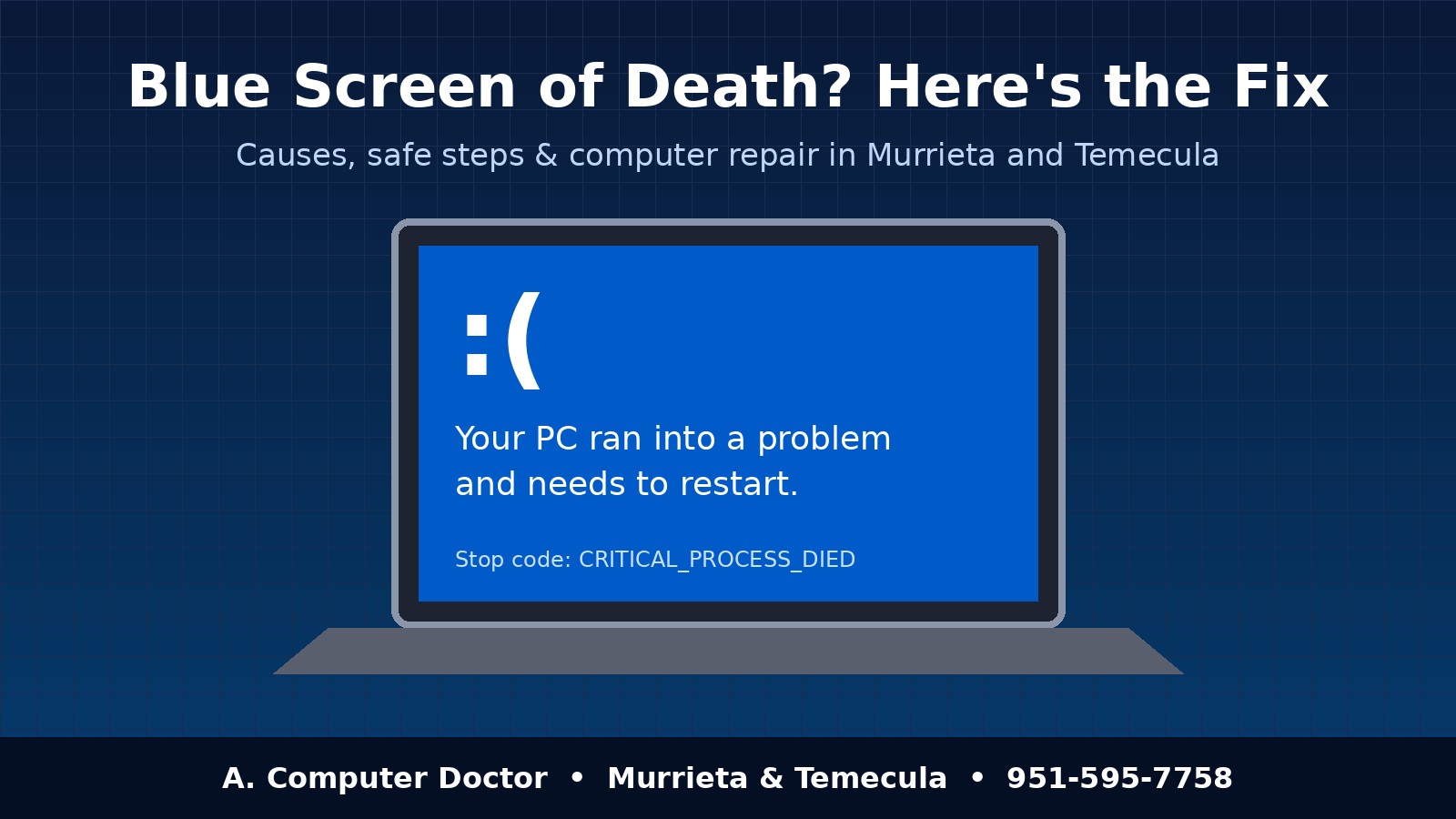
Few things are as alarming as a computer that suddenly flashes a blue screen, shows a sad face and restarts on its own. It’s called the Blue Screen of Death (BSOD), and it’s one of the most common reasons people in Murrieta, Temecula, Menifee and Wildomar bring a laptop or desktop in for repair. The good news is that a blue screen is a symptom, not a death sentence. Most crashes trace back to a handful of fixable causes, and many can be solved without losing a single file. Here’s what a blue screen actually means, what you can safely try on your own, and when it’s time to call a pro.
Windows shows a blue screen when it hits a problem serious enough that continuing could damage your data, so it stops everything and restarts. The screen usually includes a stop code such as CRITICAL_PROCESS_DIED, MEMORY_MANAGEMENT, IRQL_NOT_LESS_OR_EQUAL or INACCESSIBLE_BOOT_DEVICE. Take a photo of that code with your phone before the computer restarts. It’s the single most useful clue a technician can have, and it often points straight at the cause.
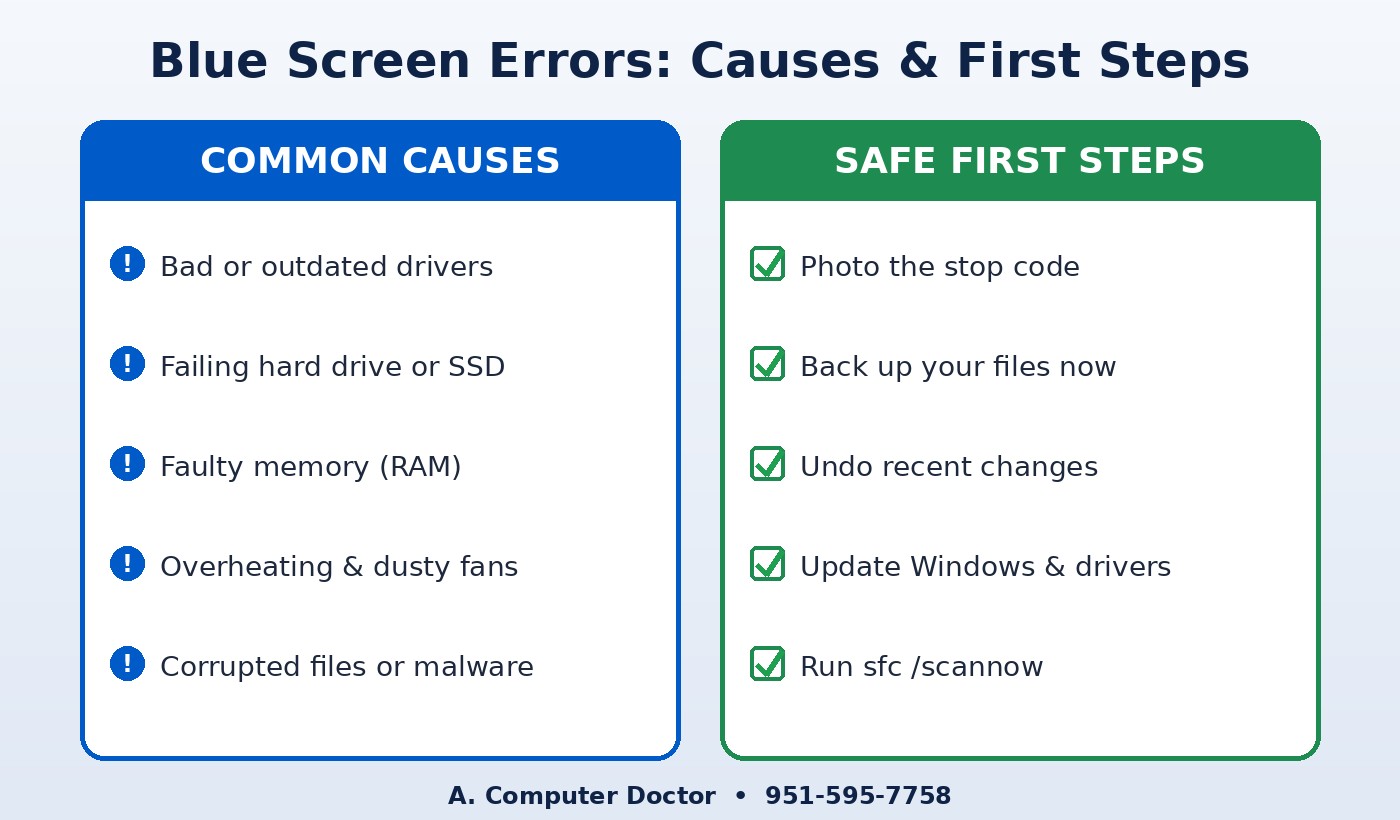
If your computer still boots most of the time, these steps are safe for most people and won’t put your files at risk:
sfc /scannow checks and repairs damaged Windows files.If you can’t get to the desktop at all, or the computer is stuck in an automatic repair loop, stop there. Repeatedly forcing restarts on a failing drive can make data recovery harder.
It’s time to bring your computer in if the blue screens keep coming back after you’ve tried the steps above, if you hear clicking or grinding from inside the computer, if the stop code mentions a boot device or memory, or if the computer holds business or patient data you can’t afford to lose. A technician can run hardware diagnostics on the drive and memory, read the crash logs Windows saves, and pinpoint the cause instead of guessing.
At A. Computer Doctor, we start with a full diagnosis so you know exactly what’s wrong and what it will cost before any work begins. Depending on what we find, a repair might include:
For businesses, a blue screen on a front-desk, point-of-sale or medical-office computer means lost time with customers and patients. We can repair the machine quickly and, if it keeps happening across your office, help you set up monitoring and backups so problems are caught before they cause downtime.
A. Computer Doctor holds a 5.0-star rating on Yelp from local customers in the Murrieta area. One reviewer, Andrea C., wrote that her laptop “randomly crashed one morning” and that after Best Buy “was not able to fix it or figure out what was wrong with it after 2 hours,” Cesar “was able to diagnose and tell me exactly” what was wrong. That kind of clear, honest diagnosis is exactly what a sudden crash calls for. Read our Yelp reviews to hear more in customers’ own words.
Not usually. Most blue screens are caused by drivers, updates or software, and your files stay intact. If the drive itself is failing, though, your files are at risk, which is why backing up right away and getting a diagnosis quickly matters.
Sometimes, but it’s not the most common cause. Driver conflicts, failing hardware and overheating are more likely. A proper diagnosis rules malware in or out.
Often, yes. Replacing a failing hard drive with an SSD or swapping out bad memory is far cheaper than a new computer and can make an older machine feel faster than ever. We’ll tell you honestly if a repair isn’t worth it.
Yes. We repair laptops and desktops for homes and for businesses across Murrieta, Temecula, Menifee, Wildomar, Lake Elsinore and French Valley, including medical and dental offices.
Don’t keep restarting and hoping the blue screen goes away. Call A. Computer Doctor at 951-595-7758 for fast, honest computer and laptop repair in Murrieta, Temecula and the surrounding area. We’ll find the real cause, protect your files and get you back to work.
