
Short answer: For most people, a good Black Friday laptop has at least 16 GB of RAM, a 512 GB SSD (not “eMMC” storage), a current mid-range processor (Intel Core Ultra 5 or Core i5, AMD Ryzen 5, or an Apple M-series chip), and a screen of at least 1920×1080. Skip the doorbuster laptops with 4 GB of RAM or 64 GB of storage, no matter how cheap they are. Check the return window before you buy, and set the new laptop up properly before you give it as a gift.
Black Friday 2026 is Friday, November 27, and Cyber Monday is November 30. Many stores start their sales earlier in the month. Every year at A. Computer Doctor we see the same thing in December and January: people in Murrieta and Temecula who bought a “great deal” that turned out to be too slow to use. Here’s how to avoid that.
Before you look at a single ad, answer one question: what will this laptop actually do?
Buying for the job keeps you from overspending and from buying something that can’t keep up.
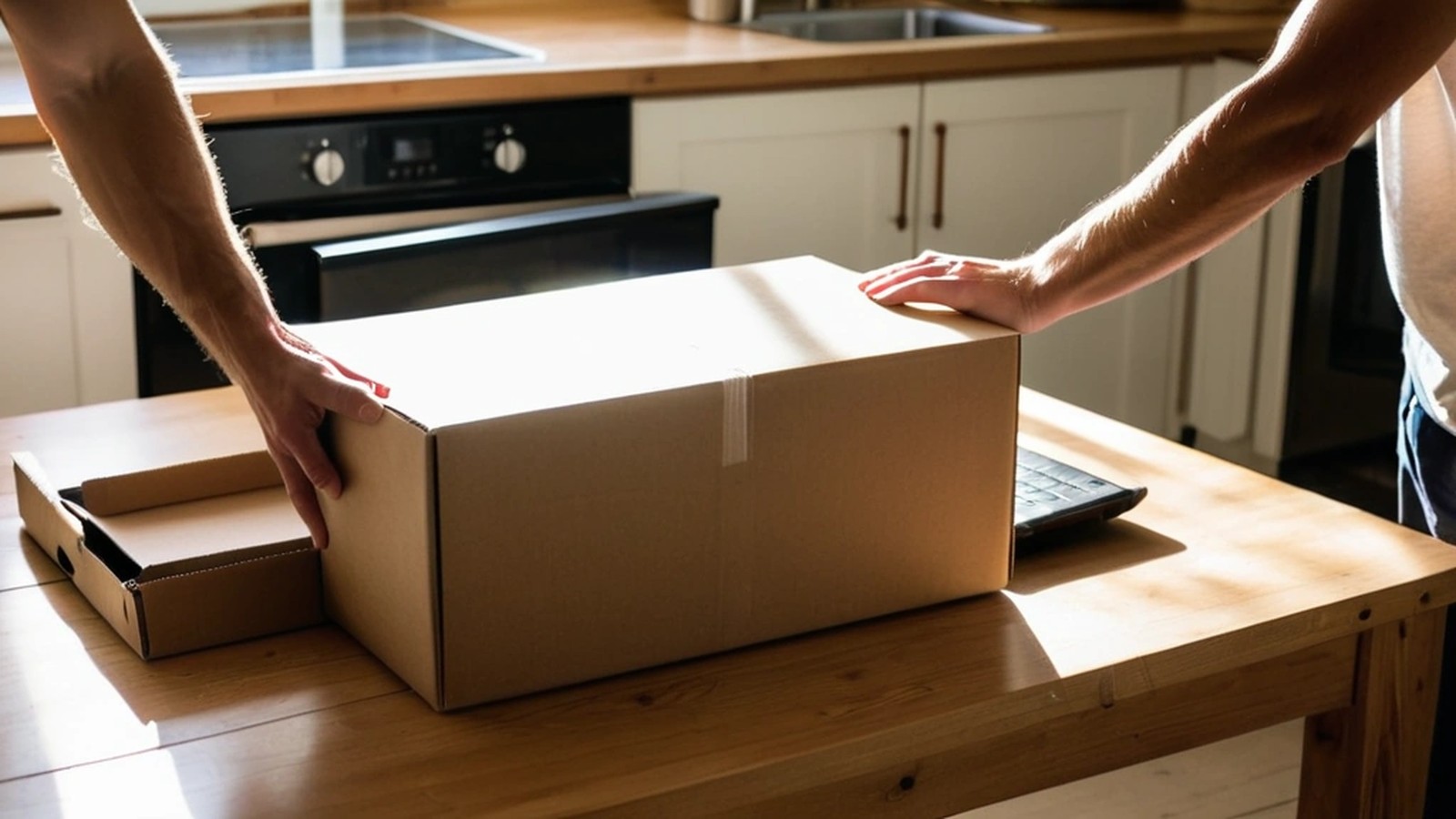
RAM is what lets you keep several things open at once. With 8 GB, a modern Windows laptop with a browser, email and a video call open will often feel sluggish. 16 GB is the comfortable minimum for most people today. On many thin laptops, RAM is soldered to the board and can’t be upgraded later, so buy what you’ll need for the next several years.
Always choose an SSD. Avoid laptops that list eMMC storage or only 64 GB or 128 GB. Windows updates alone can fill that up, and the laptop may stop updating. 512 GB gives you room for photos, files and updates.
The cheapest laptops often use entry-level chips (such as Intel N-series, older Celeron or Pentium, or AMD Athlon). They’re fine for very light use but frustrating for anything more. For most buyers, look for:
Look for 1920×1080 (Full HD) or higher. Some bargain laptops still ship with 1366×768 screens, which look grainy and fit less on the page.
“AI-ready” stickers, the number of speakers, RGB lighting and touchscreen on a laptop you won’t use as a tablet. Focus on RAM, storage, processor and screen first.
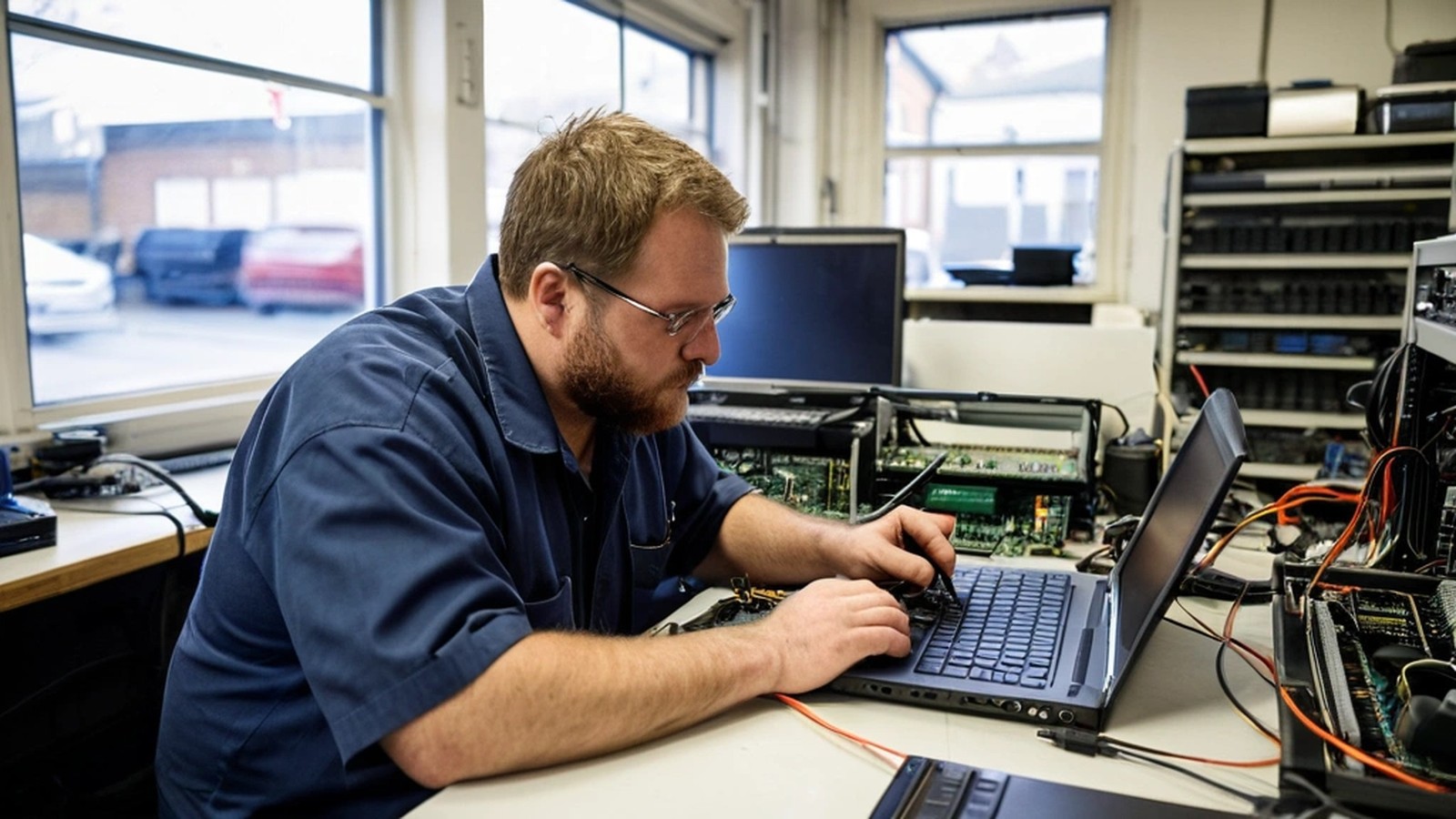
A new laptop needs some setup before it’s ready to use:
If the laptop is a gift, doing this ahead of time means it’s ready to use on Christmas morning.
Is 8 GB of RAM enough in 2026? For very light use, it works. For most people running Windows 11 with a browser, email and video calls, 16 GB feels much smoother and lasts longer.
Is Black Friday the best time to buy a laptop? It’s one of the best times for discounts, but not every sale is a good laptop. A well-built machine at a fair price beats a weak one at a big discount.
Should I buy a refurbished laptop? A business-grade refurbished laptop from a reputable seller with a warranty can be a good value. Check the RAM, SSD size, battery condition and return policy.
Can you set up my new laptop and move my files? Yes. That’s one of the most common jobs we do after the holidays.
A. Computer Doctor has helped homes and businesses in Murrieta, Temecula and surrounding cities since 2006, founded by computer engineer Cesar Ramirez. We can help you compare models before you buy, set up a new laptop, move your files and safely wipe the old one. Not sure whether to replace your current computer at all? Read Repair or Replace? How to Decide If Your Computer Is Worth Fixing.
Call 951-595-7758, contact us, or submit a trouble ticket today.
