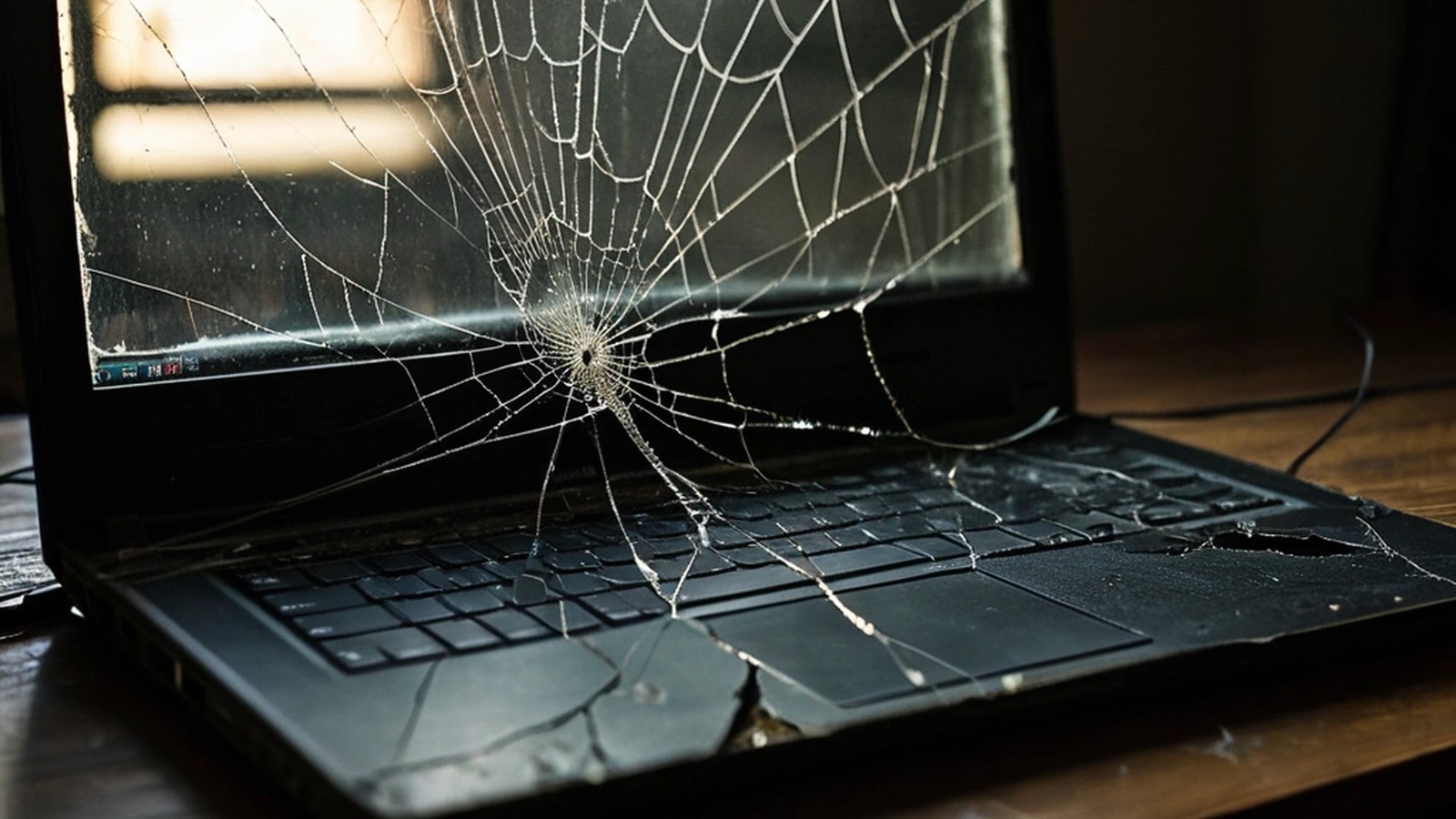
Short answer: Plug your laptop into an external monitor or TV. If the picture looks normal there, the laptop’s own screen, its cable or its hinge area is the problem, and a screen replacement usually fixes it. If the external monitor is also blank or glitchy, the issue is more likely the graphics hardware, the motherboard or software. Back up your files as soon as you can, stop pressing on cracked glass, and get a quote before buying a new laptop. Many screens can be replaced for far less than the cost of a new computer.
A dropped laptop, a pen left on the keyboard when you closed the lid, or a slow-growing flicker: screen problems are some of the most common laptop repairs we see from homes, students and small offices around Murrieta and Temecula. Here’s how to figure out what’s wrong and what your options are.
Different symptoms point to different causes:
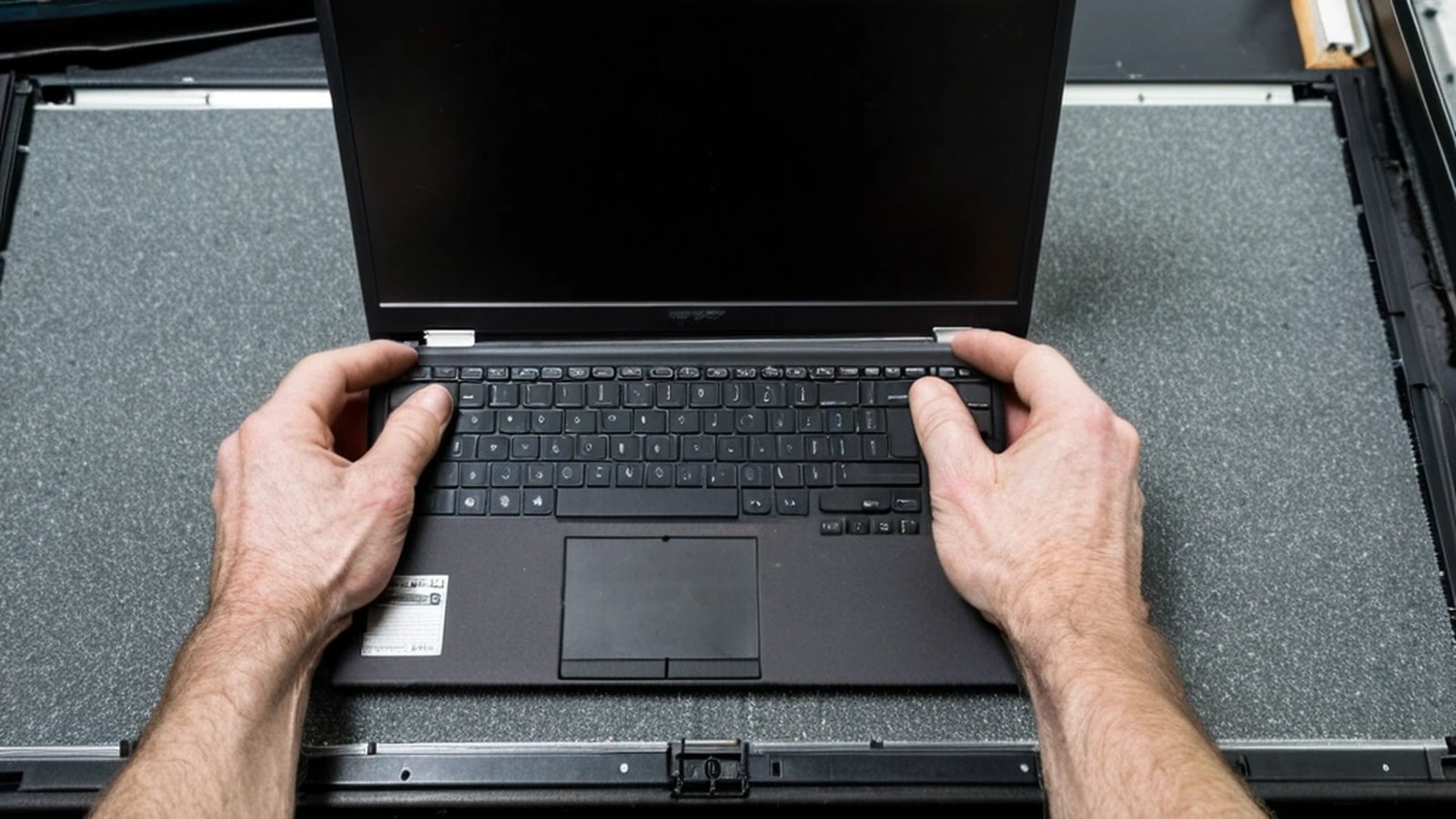
This is the single most useful test you can do at home.
If the screen isn’t physically cracked, try these before assuming it’s hardware:

A screen replacement is usually worth it when:
Replacing the laptop may make more sense if the machine is very old, slow even before the damage, can’t run a supported version of Windows, or has other problems such as liquid damage or a failing motherboard. Touchscreens and some ultra-thin or 2-in-1 models have the glass bonded to the display, which can make parts more expensive. We cover the bigger picture in our repair or replace guide.
Online videos make screen swaps look easy, and on some older models they are. On many newer thin laptops, though, the screen is glued in, the cable connectors are tiny and fragile, and the correct replacement panel depends on the exact model and part number. Ordering the wrong panel, tearing a cable or cracking the new screen during install is common. If you do try it yourself, power down, disconnect the charger and, where possible, disconnect the battery first.
How long does a laptop screen replacement take? It depends on whether the right panel is in stock. Once the part is available, the replacement itself is usually quick. We’ll give you a realistic timeline when we check your model.
Will I lose my files if my screen is broken? Usually not. A broken screen doesn’t erase your storage drive. Still, back up as soon as you can, especially if the laptop was dropped hard.
Can you fix a laptop screen with lines but no cracks? Often, yes. Lines can come from the panel or the display cable, and both can be replaced once we confirm which one is at fault.
Is a flickering screen dangerous? Not usually, but it tends to get worse. A worn cable can fail completely, so it’s best to get it checked early.
A. Computer Doctor has helped homes and businesses in Murrieta, Temecula and surrounding cities since 2006. It was founded by Cesar Ramirez, a computer engineer with a B.S. from Cal Poly San Luis Obispo. We can test your laptop, confirm whether it’s the screen, cable or something deeper, and give you an honest recommendation on repairing or replacing. Learn more about our computer and laptop repair services.
Call 951-595-7758, email [email protected], or submit a trouble ticket to get started.
