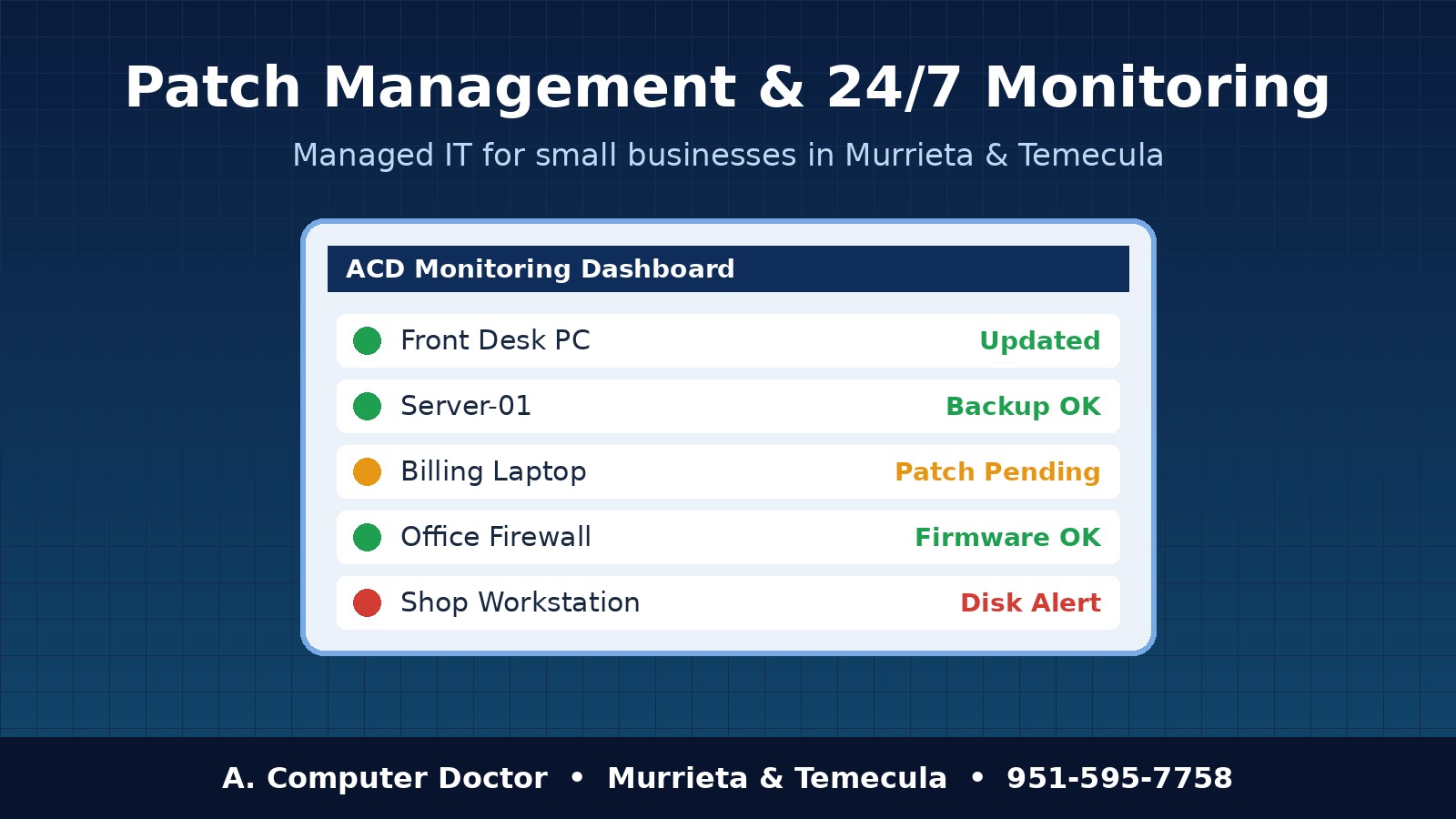
Most small business computer disasters don’t start with a dramatic hack. They start with a skipped Windows update, a firewall nobody has touched in three years, or a hard drive that quietly threw warnings for months. At A. Computer Doctor, the most valuable part of our managed IT services in Murrieta and Temecula is also the least glamorous: patch management and 24/7 remote monitoring. This guide explains what those services are, why they matter for local businesses, and how a managed plan keeps your office running without surprises.
A “patch” is an update that fixes a bug or closes a security hole in software. Microsoft, Apple, Google, Adobe, printer makers and firewall vendors release them constantly, and attackers study those releases to find businesses that haven’t installed them yet. Patch management is the process of tracking, testing, installing and confirming those updates on every device in your business, including:
Leaving updates to each employee usually means some machines are current, some are months behind, and nobody knows which is which. That gap is exactly what ransomware and phishing attacks exploit.
Remote monitoring and management (RMM) places a lightweight agent on each computer and server so we can watch its health around the clock. Instead of waiting for someone to call and say “my computer won’t turn on,” we get alerts for problems while they’re still small:
Many issues get fixed remotely before your team even notices. When something does need hands-on work, we already know what’s wrong before we arrive.
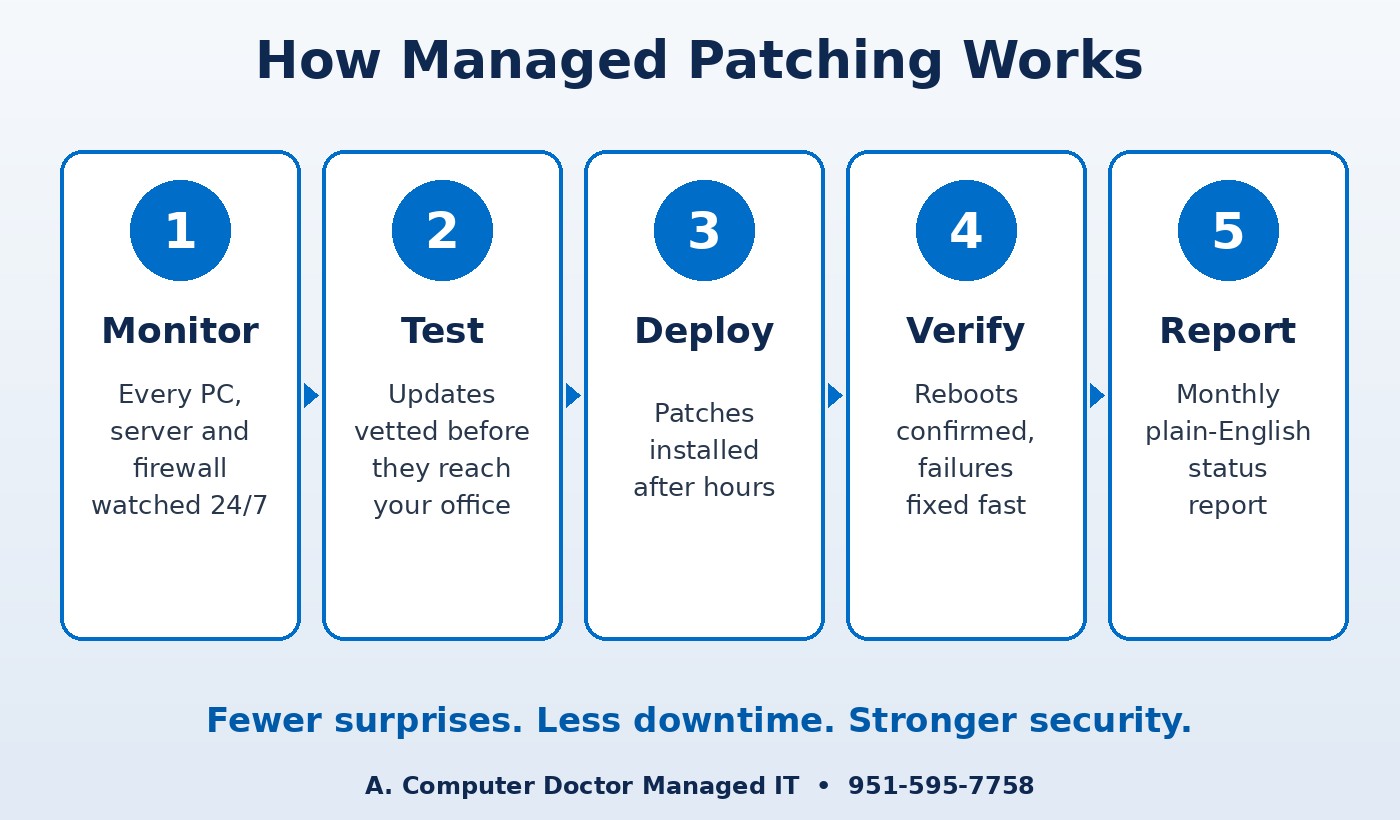
Small offices across Murrieta, Temecula, Menifee, Wildomar, Lake Elsinore and French Valley rarely have a full-time IT person. That’s why patching and monitoring pay off so quickly:
A. Computer Doctor holds a 5.0-star rating on Yelp from local customers. One reviewer, Andrea C., shared that after Best Buy “was not able to fix it or figure out what was wrong with it after 2 hours,” Cesar “was able to diagnose and tell me exactly” what was wrong. Monitoring is built on that same idea: find the real problem quickly and explain it plainly. Read our Yelp reviews to hear more in customers’ own words.
Will updates interrupt my staff during the day?
No. We schedule updates and reboots after business hours whenever possible, and we coordinate around any systems that must stay running.
Can you see my files or watch my screen?
The monitoring agent reports device health and update status. We only connect remotely to a computer when we’re fixing an issue, and we can arrange for your staff to approve each session.
Do you support Macs and network equipment too?
Yes. We support Windows PCs, servers and Macs, and we manage firmware updates on firewalls, routers and Wi-Fi gear as part of a managed plan.
Is this only for larger companies?
Not at all. Managed IT works for offices with just a few computers, and smaller offices often benefit the most because they have no IT staff of their own.
Stop wondering whether your computers are updated and your backups are working. A. Computer Doctor has served Southwest Riverside County since 2006 and provides managed IT, patch management and 24/7 monitoring for businesses in Murrieta, Temecula, Menifee, Wildomar, Lake Elsinore and French Valley. Call 951-595-7758 to schedule a review of your systems, or learn more about our approach in Managed IT vs. Break-Fix.
